

Same Day Business Card Printing: 2026 How-To Guide

Table of Contents
How to Order Same Day Business Card PrintingStep 1: Choose Your Cardstock and FinishStep 2: Upload Print-Ready Files or Use a TemplateStep 3: Confirm Quantity and Pickup or Delivery
Step 1: Choose Your Cardstock and Finish
Step 2: Upload Print-Ready Files or Use a Template
Step 3: Confirm Quantity and Pickup or Delivery
Order Cutoff Times and Turnaround Expectations
Business Card File Requirements for Print
Business Card Design Tips for Fast Printing
Rush Business Card Printing: When You Need Cards in Hours
Cardstock Quality: Same-Day vs. Standard PrintingThe three properties that matterSame-day vs. standard: a technical comparisonWhy same-day is not a downgrade
The three properties that matter
Same-day vs. standard: a technical comparison
Why same-day is not a downgrade
Pricing, Quantity Tiers, and In-Store Pickup vs. DeliveryHow quantity tiers actually workWhat drives the price up on a rush orderPickup vs. delivery: the real trade-offComparing total cost, not per-card price
How quantity tiers actually work
What drives the price up on a rush order
Pickup vs. delivery: the real trade-off
Comparing total cost, not per-card price
Frequently Asked Questions
Last Updated: September 11, 2026
How to Order Same Day Business Card Printing
Same day business card printing is the process of submitting a print-ready design and receiving finished cards within hours, not days. At Full Color Business Cards and Flyers in 1 Day, we handle orders for startups and established companies across the Sacramento, San Francisco and San Jose areas, and the single biggest reason orders get delayed is not the printer. It is a file that was never built for a fast press run.
Below, we break down the exact steps to get cards in your hand today, plus the file specs and cutoff rules that decide whether your order ships on time.
Step 1: Choose Your Cardstock and Finish
Standard dimensions are 3.5 by 2 inches, and that is what you should order unless you have a specific reason not to (print.org). For same-day work, matte finish is the safer pick: it hides fingerprints, resists smudging, and dries fast enough to keep the press schedule tight. Gloss finish looks sharper on full-color printing but shows handling marks sooner.
Premium paper options exist, but they often carry longer drying and finishing times. If your deadline is measured in hours, stick with a standard-weight cardstock and save the heavy cotton or soft-touch stock for a planned order.
Step 2: Upload Print-Ready Files or Use a Template
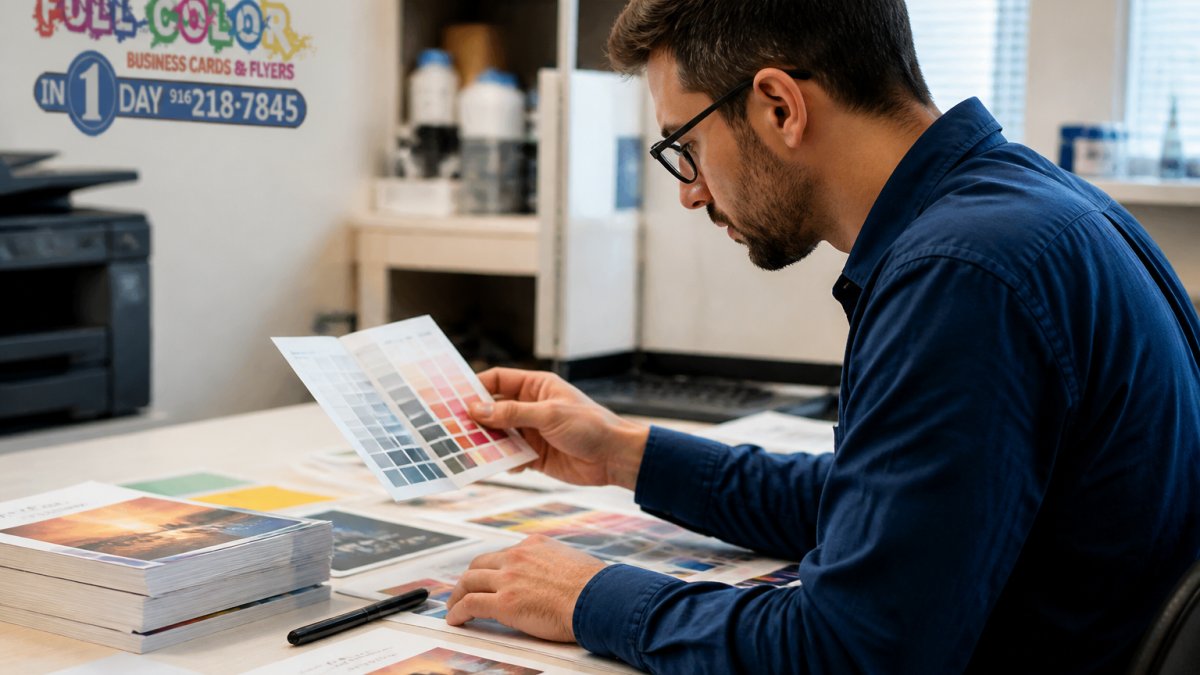
You have two paths: upload your own design or start from a business card template. If you upload your own, the file must already be built to spec. If you are not a designer, semi-custom design support can turn a rough concept into a print-ready file, though it adds time to the order.
A common mistake is submitting a JPEG exported from a phone photo. That file will not print sharp. Send vector graphics or a high-resolution PDF instead.
Step 3: Confirm Quantity and Pickup or Delivery
Quantity tiers change your per-card cost, so decide upfront whether you need 100 cards for a weekend event or 1,000 for the quarter. Many print shops will run a partial batch first and the balance later, which is useful when an event is days away.
Choose in-store pickup if you are close to a location. Choose delivery if you are not. Confirm which option your job qualifies for before you pay, because delivery adds a day in most cases.
Order Cutoff Times and Turnaround Expectations
Cutoff time is the deadline by which an approved order must be received to qualify for same-day service. Miss it and your job rolls to the next business day, no matter how simple the file is.
Turnaround time depends on three things: when the file was approved, how complex the finishing is, and whether you chose pickup or delivery. A straightforward card with no special finishing moves fastest. Foil, spot coating, and custom die-cutting add steps that a same-day schedule cannot always absorb.
Pro Tip Submit your file before the cutoff even if you are not 100% sure about quantity. It is far easier to increase a quantity after approval than to rush a file through after the cutoff has passed.
If you are ordering for a specific event, build in a buffer. Ask what the guaranteed turnaround is in writing.
Business Card File Requirements for Print
Print-ready files follow a fixed set of rules. Get these right and your card prints sharp on the first run.
File format: PDF or AI preferred; high-resolution TIFF accepted
Color mode: CMYK color mode, not RGB
Resolution requirements: 300 DPI minimum at final size (adobe.com)
Bleed and trim: 0.125-inch bleed on all sides, with trim marks (adobe.com)
Safe zone: keep text and logos at least 0.125 inch inside the trim line
Fonts: outlined or embedded
Vector graphics scale cleanly and stay crisp at any size. Raster images do not. If your logo only exists as a small PNG, it will look soft on a printed card.
Watch Out RGB files look vibrant on screen and dull on paper. If you submit RGB artwork, the press converts it to CMYK and the colors shift, often noticeably. Convert before you upload, not after.
Business Card Design Tips for Fast Printing
Design decisions made early determine how fast your card can move through production. Simple layouts with solid backgrounds and clean type print faster and with fewer errors than complex ones.
Keep these rules in mind:
Avoid heavy ink coverage across the full card. Large solid areas take longer to dry.
Skip thin hairlines under 0.5 point. They can disappear or break up on press.
Use one or two fonts. More fonts mean more chances for a substitution error.
Leave the back simple or blank. A one-sided card moves through finishing faster.
Check contrast. Light text on a light background will not survive a fast run.
If you are working with a designer, tell them the job is a rush order. They will build the file differently, with faster-drying ink coverage and fewer finishing steps.
Rush Business Card Printing: When You Need Cards in Hours
Rush printing exists for the moments when a standard turnaround is not an option: a conference tomorrow, a last-minute meeting, a batch of cards that ran out mid-event. The service works, but it rewards preparation.

The thing nobody tells you about rush jobs is that the bottleneck is rarely the press. It is the back-and-forth over a file that was not ready. Every round of revisions costs hours you do not have. Submit a correct file once and the job moves.
Emergency business card etiquette matters too. If you are handing someone a card printed five minutes ago, make sure it is dry, trimmed, and free of press marks. A rushed card that smudges does more damage than no card at all.
Cardstock Quality: Same-Day vs. Standard Printing
The most common worry about same-day cards is that speed means compromise. In practice, the difference between same-day and standard stock is not quality, it is how the paper behaves under a compressed production schedule. Understanding the mechanics removes the guesswork.
The three properties that matter
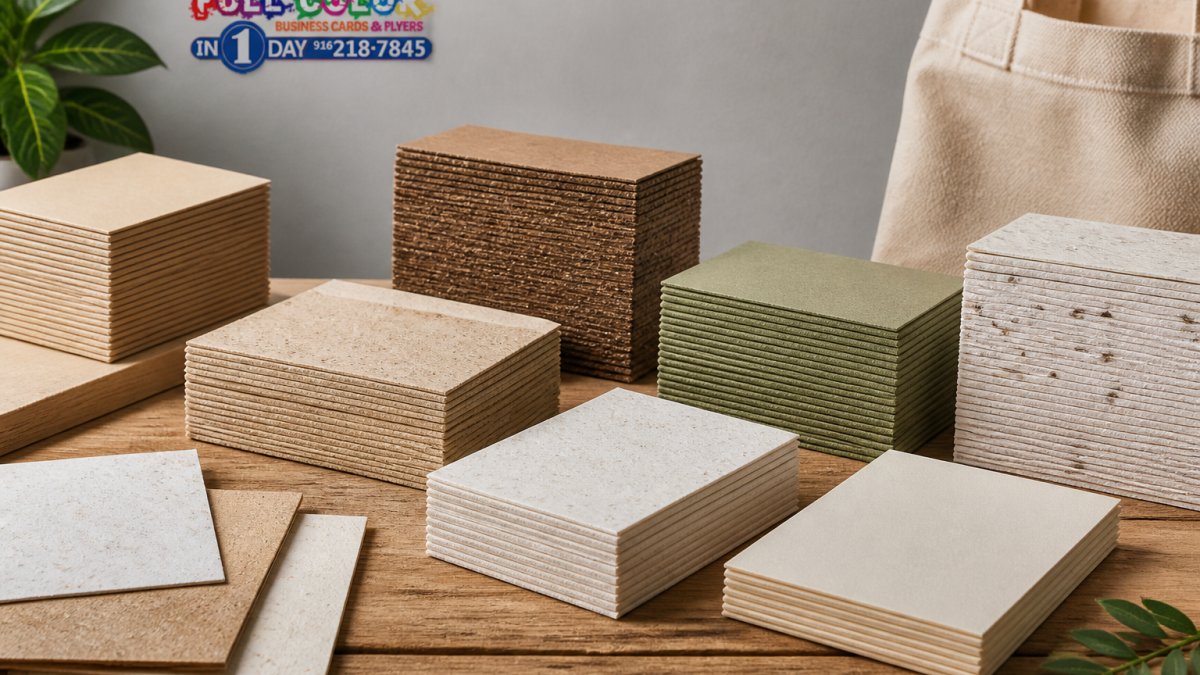
Caliper (thickness). Cardstock is measured in points (pt), where 1 pt equals 1/1000 of an inch. A 14 pt card is about 0.014 inch thick; a 16 pt card is about 0.016 inch. The difference sounds trivial but is noticeable in hand. Standard same-day stock typically runs 14-16 pt. Heavier 18-32 pt stocks exist but take longer to feed, dry, and trim, which is why they are usually reserved for standard-turnaround orders.
Coating. Matte, gloss, and soft-touch are surface treatments, not paper grades. A matte coating is absorbent and dries quickly, which suits a fast press run. Gloss coating sits on the surface and can smudge if handled before it cures. Soft-touch and cotton finishes are slower to produce and rarely available on a same-day schedule.
Drying and curing. Offset and digital presses lay down ink that must dry or cure before the card is trimmed and stacked. Fast-drying stocks and coatings let a shop move a job through finishing in hours. Slow-drying premium stocks need time to cure, which is the real reason they are not offered same-day, not because they are "better."
Same-day vs. standard: a technical comparison
Factor | Same-Day Stock | Standard Stock |
Typical caliper | 14-16 pt | 16-32 pt |
Coating options | Matte, gloss | Matte, gloss, soft-touch, cotton, uncoated |
Drying profile | Fast | Slower; needs cure time |
Finishing available | Trim, basic coating | Foil, spot UV, die-cut, emboss |
Print quality | Sharp, full-color | Sharp, full-color |
Best for | Events, urgent needs | Brand collateral, long-term use |
Notice what is not in that table: print resolution. A same-day card printed at 300 DPI on 14 pt matte stock is just as sharp as a standard card on 16 pt gloss. The ink and the press do not change because the deadline did.
Why same-day is not a downgrade
The trade-off is finishing and weight, not image quality. If your card is a standard 3.5 by 2 inch design with a solid or simple layout, a same-day run will look professional and hold up in a wallet. Where same-day falls short is when your design depends on a heavy 32 pt cotton stock or a foil logo, those are production steps, not quality tiers, and they need the time they need.
A practical test: hold a 14 pt matte card and a 16 pt matte card side by side. Most people cannot tell them apart without a caliper. What they do notice is a smudged or mis-trimmed card, which is a file and finishing problem, not a stock problem.
Watch Out Do not assume "premium" means "print-ready faster." Heavy cotton and soft-touch stocks are often the slowest to produce. If your deadline is hours, choose a standard-weight matte or gloss stock and put your effort into a correct file instead.
Pricing, Quantity Tiers, and In-Store Pickup vs. Delivery
Pricing for same-day business cards is not one number. It is the sum of four moving parts: quantity, cardstock, finishing, and fulfillment method. Understanding how each one moves the total is what separates a smooth rush order from a surprise at checkout.
How quantity tiers actually work
Most shops price in tiers, not per unit.
Quantity | Pricing behavior |
100 | Highest per-card cost; setup and plate charges spread over few cards |
250 | Noticeable drop in per-card cost |
500 | The most common "sweet spot" for small businesses |
1,000 | Lowest per-card cost short of a bulk run |
2,500+ | Marginal savings; only worth it if you will use them |
The reason the per-card price falls is fixed cost. A press run carries a setup cost, plate imaging, ink setup, trimming, and a test sheet, that does not change whether you print 100 cards or 1,000. Spread that fixed cost across more cards and each one gets cheaper. This is why ordering 100 cards for a single event is almost always the most expensive way to buy them per unit.
What drives the price up on a rush order
Rush surcharge. Same-day service carries a premium over standard turnaround because the job jumps the queue.
Finishing. Foil stamping, spot UV, and die-cutting each add a separate production step and a separate charge. On a same-day schedule, some of these are simply unavailable.
Cardstock weight. Heavier stock (16 pt and up) costs more than standard 14 pt and can slow drying.
Delivery. Pickup is usually free. Local courier delivery adds a fee and often a day. Standard shipping is cheapest but slowest.
Pickup vs. delivery: the real trade-off
Option | Speed | Cost | Best for |
In-store pickup | Fastest, same day | Usually no fee | Local orders, hard deadlines |
Local courier delivery | Same day or next day | Per-trip fee | Orders you cannot leave to collect |
Standard shipping | 2-5 business days | Lowest, often free over a threshold | Non-urgent, large runs |
If your deadline is measured in hours, pickup is almost always the right call. Delivery introduces a handoff you do not control, and a courier delay can cost you the event.
Comparing total cost, not per-card price
A startup ordering its first batch should compare the all-in total: cards + rush surcharge + finishing + delivery. A cheaper per-card price on a 1,000-card run is not a saving if you only needed 250 and paid for delivery on top. Check current pricing on the website before you commit, since rates move with quantity, stock, and finish, and confirm whether the rush surcharge applies before or after any quantity discount.
Pro Tip Ask for the all-in total in writing before you approve the file. On a rush job, the difference between the quoted per-card price and the final invoice is usually finishing and delivery, not the cards themselves.
Frequently Asked Questions
Can business cards be printed the same day?
Yes, same day business card printing is available from local print shops when you submit print-ready files before the cutoff time. Most shops require orders by late morning or early afternoon for same-day pickup. If your files need design work or have resolution issues, turnaround may extend to next-day. Always confirm the cutoff when you order.
What file formats are best for same day business card printing?
PDF, AI, and EPS files are preferred because they preserve vector graphics and text clarity. If you use JPG or PNG, ensure at least 300 DPI resolution and CMYK color mode. Include 0.125 inches of bleed on all sides and keep text inside the safety margin. Files that meet these requirements process faster and reduce the risk of reprints.
How much does rush business card printing cost compared to standard?
Rush business card printing typically costs more than standard turnaround because of expedited processing and priority scheduling. The exact difference depends on quantity, cardstock, finish, and how quickly you need them. Pricing is available on the website.
Can I get design help if I don't have a finished file?
Yes, many local print shops offer semi-custom design services. You can bring your logo, contact details, and a rough idea, and a designer will build a print-ready layout for you. This adds time to the turnaround, so submit your request as early as possible. If you need cards the same day, having a print-ready file ready to upload is the fastest path.
Getting cards printed fast comes down to preparation, not luck. Full Color Business Cards and Flyers in 1 Day handles same-day and next-day printing with semi-custom design support, local pickup and delivery, and a 30-minute email response time so a question never costs you your deadline. Submit your order online and get professional cards in hand today.
Submit Order Online

Comments